


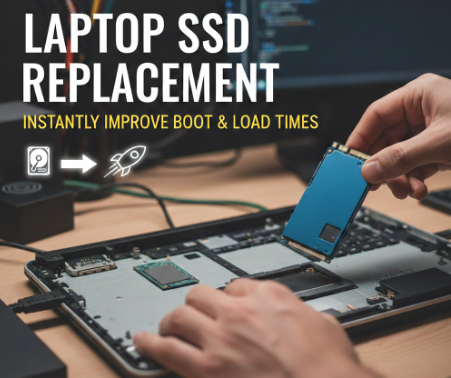
The storage drive typically causes problems that emerge as both slow laptop startup times and unresponsive applications. Traditional hard drives just can’t keep up with how modern systems work. This is where a laptop SSD replacement makes a noticeable difference, often from the very first boot. You don’t need a new machine to get that “new laptop” feel again.
What Actually Changes After the Upgrade
An SSD (Solid State Drive) operates through different mechanisms when compared to traditional hard drives. The absence of moving parts enables instant data access for the system. After a switch, your laptop doesn’t waste time “searching” for files- it grabs them right away.
Here’s what users usually notice within minutes:
- Faster startup, sometimes cutting boot time by more than half
- Apps opening without lag or freezing
- Smoother multitasking, even on older laptops
That’s why a laptop SSD replacement is often recommended before considering a full upgrade.
Boot Times and Load Speeds Explained Simply
When you power on your laptop, the system loads files needed to run the operating system. Hard drives handle this slowly. SSDs don’t. The result? Your desktop appears quicker, and software loads without that awkward waiting circle.
This improvement isn’t limited to startups. The system now provides faster loading times for games, browsers, design tools and even standard folders. A successful laptop SSD replacement process delivers renewed performance to your computer system which you believed had reached its final stage.
Is It Worth It for Everyday Users?
Absolutely. Whether you’re working, studying, or just browsing, speed affects everything. The upgrade is cost-effective and often more impactful than adding extra RAM.
At Star Shield, we’ve seen how one simple upgrade can completely change how a laptop feels. If speed matters to you, a quick consultation might be all it takes to get started.