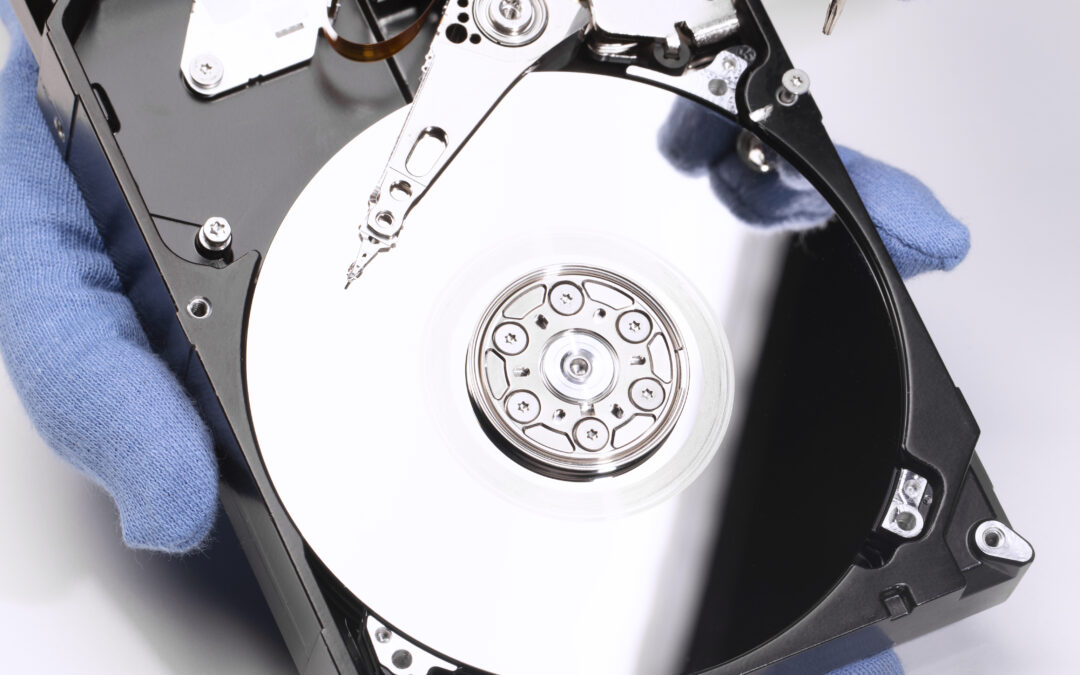


How Professionals Recover Data from Physically Damaged Devices
At Star Shield, the focus isn’t just on fixing what you can see on the outside. It’s about understanding what’s happening deep inside the storage chip and circuit board, where your photos, work files, and personal data actually live.
Step 1: Careful Inspection and Diagnosis
Before touching anything, technicians start with a detailed assessment. Physical damage can affect multiple components, and guessing is never part of the process.
They typically check:
- The condition of the motherboard
- Signs of short circuits or corrosion
- Storage chip integrity
- Power-related damage
For example, in some cases, what looks like complete device failure may actually be linked to power problems. That’s where services like laptop battery replacement SG, charging issue solutions come into the picture. Fixing the power pathway sometimes restores access without deeper intervention.
Step 2: Stabilizing the Hardware
When devices are water-damaged or electrically burnt, the first goal is stabilization. Corrosion is cleaned under a microscope. Damaged components are isolated. In more complex cases, technicians repair microscopic traces on the motherboard.
This stage requires precision tools and a steady hand. A rushed repair attempt can permanently damage storage chips, which is why professional handling matters.
Step 3: Extracting Data from Storage Chips
If the device cannot power on normally, experts move to advanced recovery methods. This can involve:
- Direct chip-off extraction
- PCB repair and temporary rebuild
- Controlled power injection
- Specialized imaging software
With the right equipment, even severely damaged devices can yield recoverable data. That’s where an experienced device data recovery service becomes critical. The work isn’t about replacing parts – it’s about carefully retrieving raw data without corrupting it.
Why Professional Handling Makes a Difference
Physically damaged devices are unpredictable. DIY attempts often make recovery harder by damaging delicate circuits or overwriting storage sectors.
Technicians trained in board-level repairs understand how different components interact. They also handle common issues such as:
- Liquid spills
- Impact damage
- Overheating failures
- Power surges
At Star Shield, the goal is simple: preserve what matters most before attempting cosmetic repairs.
Final Thoughts
Physical damage doesn’t automatically mean data loss. With the right tools and experience, recovery is often possible – even in cases that look hopeless.
If you’re dealing with a damaged device and important files are at risk, reach out to Star Shield and let professionals assess it before trying anything else.