
Can software issues in laptops and phones be fixed without replacing hardware?
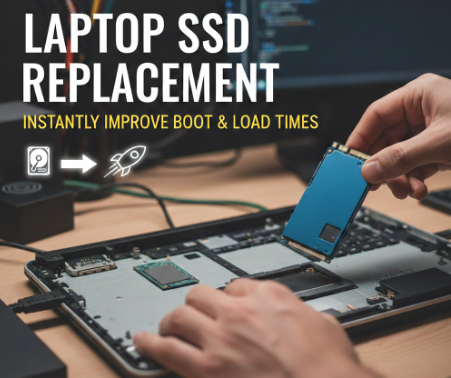
Yes, in most cases they can. Roughly 70-80% of device slowdowns and crashes trace back to corrupted software, outdated drivers, or storage clutter rather than failing hardware. A clean reinstall, driver update, or laptop SSD replacement isn’t always the fix – sometimes a simple software reset solves what looked like a dying machine.
Why Does a Laptop Feel Slow Even When It’s Not Old?
Here’s the thing nobody tells you: a two-year-old laptop running at a crawl usually isn’t broken, it’s just clogged. Background processes pile up, temporary files multiply, and Windows updates quietly eat away at performance. Before assuming the worst, try these:
- Clear startup programs eating RAM on boot
- Run a malware scan (yes, even on newer machines)
- Check disk usage – anything above 90% capacity slows everything down
If none of that budges the needle, storage health becomes the real question, and that’s when replacement SSD laptop upgrades genuinely make sense instead of software tweaks.
What Actually Causes Phones to Glitch or Freeze?
Phones are trickier because software and hardware overlap more tightly. A stuck app, a corrupted cache, or an iOS/Android update gone wrong can mimic hardware failure almost perfectly. Around 60% of walk-in repair complaints Singapore technicians see each month turn out to be software-related, not component damage.
Should You Always Search for Local Repair Help First?
Honestly, yes – a diagnostic conversation before any fix saves money and stress. Typing near me Singapore phone repair into a search bar feels obvious, but the real value is getting someone to actually look at the device instead of guessing over the phone.
- Ask whether the issue is reproducible after a factory reset
- Request a written diagnosis before authorizing paid repairs
Is It Ever Worth Replacing Hardware Anyway?
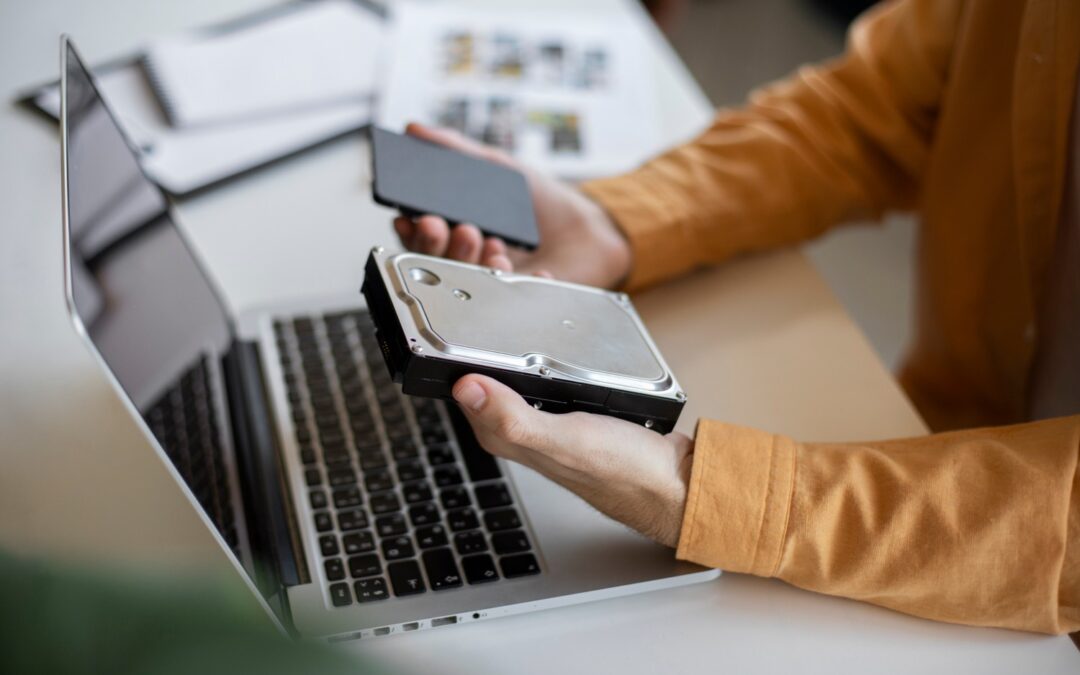
Sometimes. If a drive is physically degrading or a battery’s health has dropped below 80%, no software patch will fix that. But jumping straight to hardware replacement without ruling out software first is like replacing an engine because your car won’t start – check the battery first.
Not sure if your device needs a fix or a full swap? Star Shield can help you figure out which one it actually is.