by Keshaw NMT | Feb 24, 2026 | screen protectors
Every year, Apple tells us the new iPhone glass is tougher than ever. Ceramic Shield, better drop performance, stronger scratch resistance – it all sounds reassuring. Still, plenty of cracked screens prove one thing: glass is glass.
At Star Shield, a trusted computer protection company, we’ve seen how even the newest iPhones pick up scratches from keys, coins, or a single unlucky drop. The latest models are durable, yes – but not invincible.
So the real question isn’t whether the glass is stronger. It’s whether you want to risk testing it.
Isn’t the New iPhone Glass Strong Enough?
Technically, the new iPhones are built to handle everyday use. They resist minor scratches better than older models. But here’s what most people don’t think about:
- Micro-scratches from dust and sand happen easily
- A waist-height drop onto tiles can still crack the display
- Replacing a screen is expensive, even with warranty support
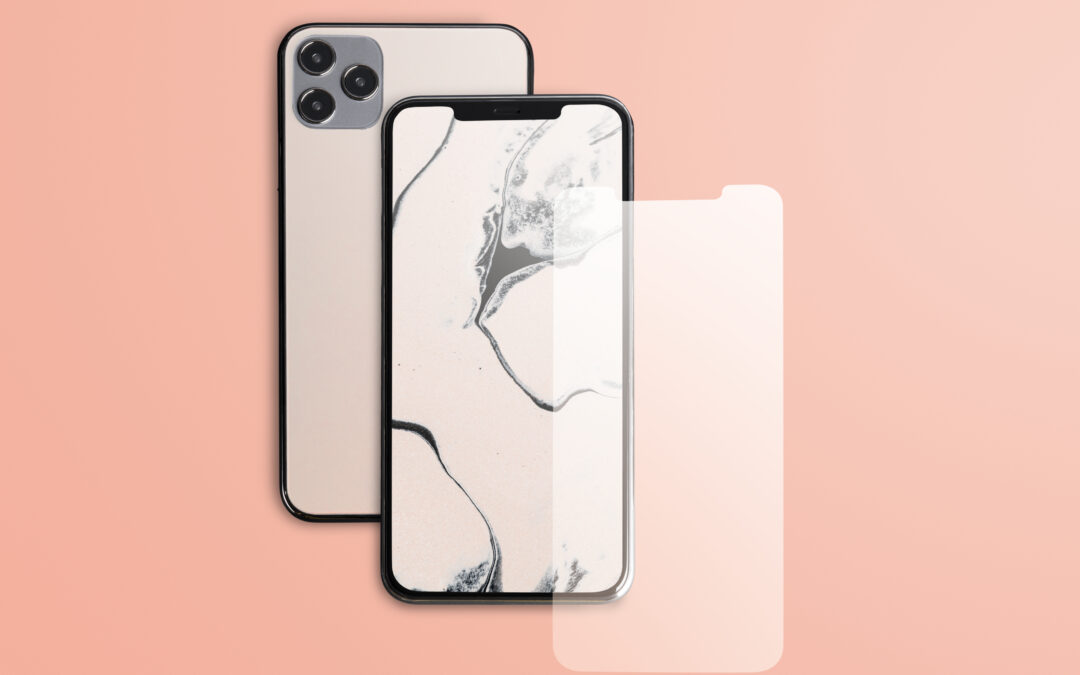
A slim Iphone screen protector adds a sacrificial layer. Instead of your actual display taking the hit, the protector absorbs it. It’s a small upfront cost compared to a full screen replacement.
What about Touch Sensitivity and Display Quality?
A lot of people avoid protectors because they remember the thick, cloudy versions from years ago. Things have changed.
Modern tempered glass protectors – like the ones Star Shield offers – are:
- Ultra-thin and smooth
- Clear enough to maintain screen brightness
- Designed to keep Face ID and touch response accurate
You won’t feel like there’s a layer between you and your phone. Most users forget it’s even there after a day or two.
More than Just Phones
Interestingly, Star Shield isn’t just about mobiles. As a computer protection company, they also work with screen protection solutions for laptops and other devices. The idea is simple: protect what you rely on daily.
That same logic applies to smartphones. We use them for banking, work emails, photos, and personal chats. A cracked display isn’t just cosmetic – it disrupts daily life.
And while there are many cell phone screen protectors in the market, quality makes a difference. Poorly fitted or low-grade options peel off or affect usability. Choosing properly fitted protection saves frustration later.
So, Do You Really Need One?
If you’re careful and rarely drop your phone, you might get away without it. But if you carry your phone everywhere – pockets, bags, car dashboards – a protector is simply practical.
Star Shield, known as a reliable computer protection company, focuses on protection that blends in, not stands out.
A small layer today can prevent a big repair bill tomorrow.
If you’d rather stay safe than sorry, consider adding that extra shield.
by Keshaw NMT | Feb 24, 2026 | Data Recovery
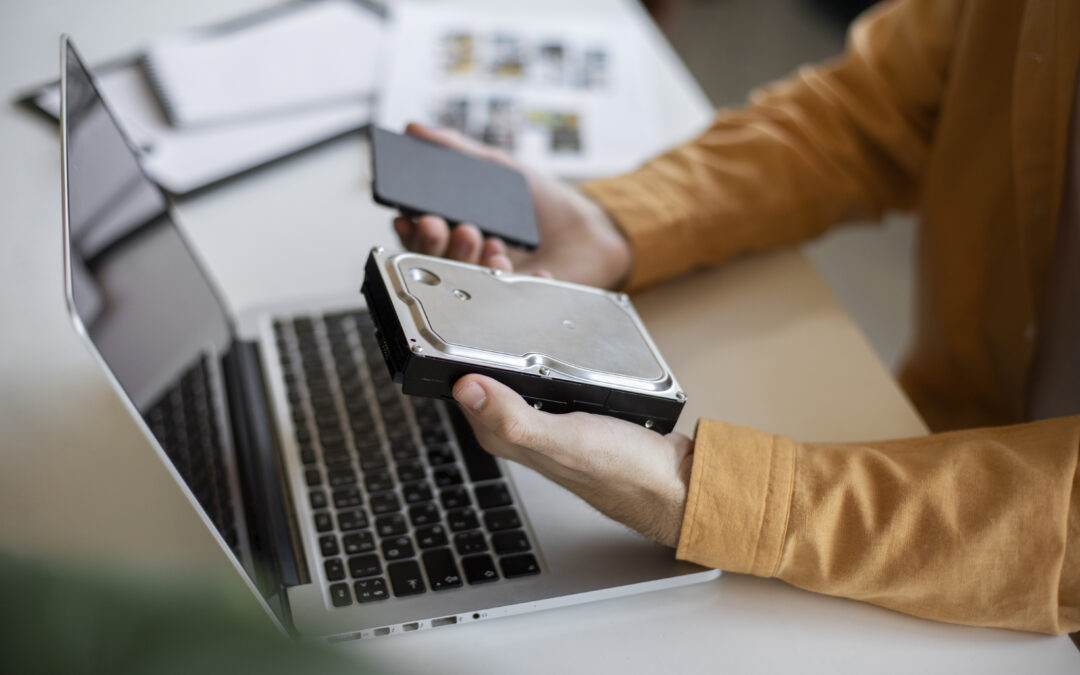
Most people assume that once a phone or laptop is physically damaged, the data inside is lost for good. Cracked screens, water exposure, burnt motherboards – it all sounds final. But in reality, professionals who handle
device data recovery service cases deal with situations like these every single day.
At Star Shield, the focus isn’t just on fixing what you can see on the outside. It’s about understanding what’s happening deep inside the storage chip and circuit board, where your photos, work files, and personal data actually live.
Step 1: Careful Inspection and Diagnosis
Before touching anything, technicians start with a detailed assessment. Physical damage can affect multiple components, and guessing is never part of the process.
They typically check:
- The condition of the motherboard
- Signs of short circuits or corrosion
- Storage chip integrity
- Power-related damage
For example, in some cases, what looks like complete device failure may actually be linked to power problems. That’s where services like laptop battery replacement SG, charging issue solutions come into the picture. Fixing the power pathway sometimes restores access without deeper intervention.
Step 2: Stabilizing the Hardware
When devices are water-damaged or electrically burnt, the first goal is stabilization. Corrosion is cleaned under a microscope. Damaged components are isolated. In more complex cases, technicians repair microscopic traces on the motherboard.
This stage requires precision tools and a steady hand. A rushed repair attempt can permanently damage storage chips, which is why professional handling matters.
Step 3: Extracting Data from Storage Chips
If the device cannot power on normally, experts move to advanced recovery methods. This can involve:
- Direct chip-off extraction
- PCB repair and temporary rebuild
- Controlled power injection
- Specialized imaging software
With the right equipment, even severely damaged devices can yield recoverable data. That’s where an experienced device data recovery service becomes critical. The work isn’t about replacing parts – it’s about carefully retrieving raw data without corrupting it.
Why Professional Handling Makes a Difference
Physically damaged devices are unpredictable. DIY attempts often make recovery harder by damaging delicate circuits or overwriting storage sectors.
Technicians trained in board-level repairs understand how different components interact. They also handle common issues such as:
- Liquid spills
- Impact damage
- Overheating failures
- Power surges
At Star Shield, the goal is simple: preserve what matters most before attempting cosmetic repairs.
Final Thoughts
Physical damage doesn’t automatically mean data loss. With the right tools and experience, recovery is often possible – even in cases that look hopeless.
If you’re dealing with a damaged device and important files are at risk, reach out to Star Shield and let professionals assess it before trying anything else.
by Keshaw NMT | Feb 3, 2026 | Samsung repair Singapore
It’s frustrating when your Samsung suddenly stops working-whether it’s a cracked screen, a drained battery, or a software glitch. Many wonder, “How fast can I actually get it fixed?” Luckily, Many Samsung repair Singapore service providers prioritize quick turnaround times.
Quick Fixes for Common Issues
The repair time depends on the problem:
- Cracked screens – often done the same day.
- Battery replacements – usually a few hours.
- Software glitches – can take a day or two.
- Water or hardware damage – may need extra time for proper checks.
A professional Samsung repair Singapore service ensures your device gets the right care without unnecessary delays.
Factors That Affect Repair Time
Some factors can affect how fast your device comes back to you:
- Whether the repair center has the replacement parts in stock
- How serious the damage is
- How many devices the technicians are handling that day
For urgent cases, express services are available, which can cut waiting times significantly.
Why Go to the Experts?
Attempting to repair your Samsung device through personal efforts will often result in more severe problems. The technicians at a reliable Singapore Samsung repair center identify the actual device problems through their expertise and restore devices by using authentic replacement parts.
Every hour of work and personal time becomes essential when your phone or tablet becomes crucial. A reliable service provides efficient solutions which result in quicker service delivery.
Call to Action:
Don’t wait around- reach out to Star Shield for expert Samsung repair Singapore services. Our skilled technicians will quickly assess your device, fix the issue efficiently, and have it back in your hands as soon as possible, so you can get back to your day without the hassle.
by Keshaw NMT | Feb 3, 2026 | Computer Repair, SSD replacement
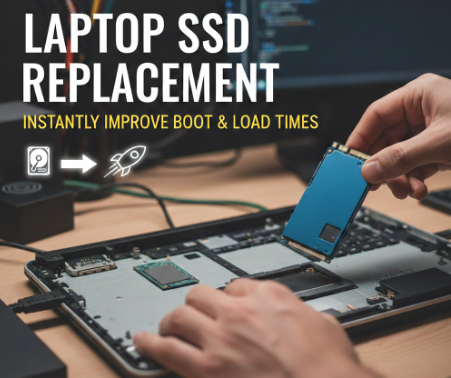
The storage drive typically causes problems that emerge as both slow laptop startup times and unresponsive applications. Traditional hard drives just can’t keep up with how modern systems work. This is where a laptop SSD replacement makes a noticeable difference, often from the very first boot. You don’t need a new machine to get that “new laptop” feel again.
What Actually Changes After the Upgrade
An SSD (Solid State Drive) operates through different mechanisms when compared to traditional hard drives. The absence of moving parts enables instant data access for the system. After a switch, your laptop doesn’t waste time “searching” for files- it grabs them right away.
Here’s what users usually notice within minutes:
- Faster startup, sometimes cutting boot time by more than half
- Apps opening without lag or freezing
- Smoother multitasking, even on older laptops
That’s why a laptop SSD replacement is often recommended before considering a full upgrade.
Boot Times and Load Speeds Explained Simply
When you power on your laptop, the system loads files needed to run the operating system. Hard drives handle this slowly. SSDs don’t. The result? Your desktop appears quicker, and software loads without that awkward waiting circle.
This improvement isn’t limited to startups. The system now provides faster loading times for games, browsers, design tools and even standard folders. A successful laptop SSD replacement process delivers renewed performance to your computer system which you believed had reached its final stage.
Is It Worth It for Everyday Users?
Absolutely. Whether you’re working, studying, or just browsing, speed affects everything. The upgrade is cost-effective and often more impactful than adding extra RAM.
At Star Shield, we’ve seen how one simple upgrade can completely change how a laptop feels. If speed matters to you, a quick consultation might be all it takes to get started.

by Keshaw NMT | Jan 7, 2026 | screen protectors
Screen Repair often becomes necessary after a sudden drop, even when the phone slips from a short height. At Star Shield, we see how simple protection can reduce the need for costly Cracked Screen Repair services. The primary purpose of a quality screen protector is to protect the screen from any impact at all; it is supposed to be an absorbing layer for the screen. Using the right protector can save you the hassle and expense connected with multiple Cracked Screen Repair visits every time the phone gets damaged.
Why Screen Protectors Matter
Screen protectors help reduce the force of impact during accidental drops. They limit scratches, cracks, and touch issues that often lead to Cracked Screen Repair. While no protector offers complete safety, the right choice lowers repair risks and extends the life of your phone screen.
Common benefits include:
- Reduced impact damage from everyday drops
- Protection against scratches from keys and coins
- Lower chances of screen shattering
Types of Screen Protectors That Work
- Tempered glass protectors
These protective layers will absorb the impact and will not be scratched at all. Hence, in the case of a fall, the glass will take the injury and break instead of the phone screen, thus the Cracked Screen Repair will not be needed straight away.
- Privacy screen protectors
Privacy protectors limit side viewing and provide moderate drop protection. They suit users who want both screen security and visual privacy without affecting touch response.
- Flexible film protectors
Film protectors guard against scratches and surface wear. They offer limited impact protection, so users should understand their limits when preventing Cracked Screen Repair.
- Full coverage protectors
These protectors cover the screen edge-to-edge and work well with curved displays. They offer wider coverage and help reduce corner damage after a fall.
Realistic Expectations from Screen Protectors
Screen protectors lower damage risk but cannot prevent all screen breaks. Hard drops and heavy impact can still cause cracks that require professional Cracked Screen Repair. Using a protector along with proper handling offers the best results.
Conclusion
Screen protectors play a key role in protecting your device from drops and daily wear. At Star Shield, we help users reduce the risk of Cracked Screen Repair through proper device care and professional repair services when needed. Smart protection today can save you from major screen damage tomorrow.