by Keshaw NMT | Jan 7, 2026 | Uncategorized
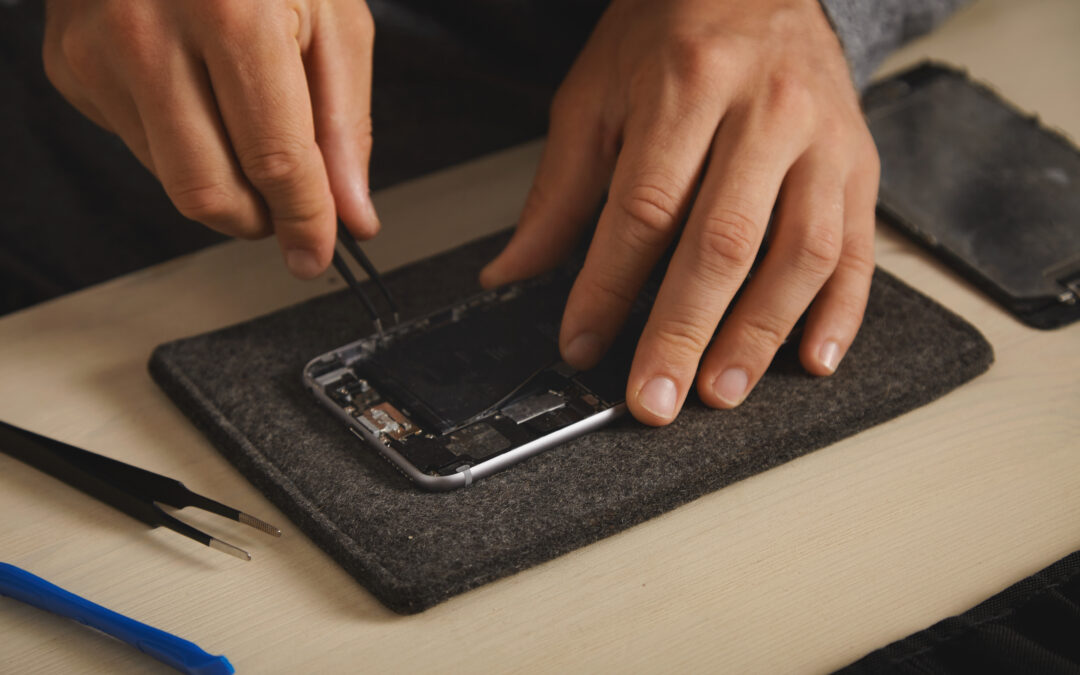
Iphone Battery Replacement is necessary when your phone can no longer sustain you daily. Another problem we encountered with Star Shield is rapid battery depletion, overheating, unexpected stops, and a battery capacity that goes below 80%. These problems are related to performance and reliability. Early replacement of iPhone battery is the solution that will enable your phone to regain power efficiency and continue running efficiently.
Why Battery Replacement Matters
A battery with poor power causes your iPhone to strain, thus reducing the performance speed and reducing the time duration of use. When you decide to use Star Shield in case of iPhone Battery Replacement, you are not buying temporary solutions to the problem, but the one that is fixed.
Common signs that show you need a replacement include:
- Battery draining quickly even with light use
- Phone heating up during normal tasks
- Unexpected shutdowns at higher charge levels
- Battery health showing significant decline
Pre-Repair Checks and Safety Steps
Before starting any repair, Star Shield technicians inspect your device carefully. We run battery health diagnostics to confirm the issue and rule out software-related problems. We also guide you on data safety and ensure the phone is powered off before the repair begins. These checks help protect internal components and your personal data during the iPhone Battery Replacement process.
Battery Removal and New Installation
Our technicians open the iPhone using proper tools to avoid screen or frame damage. We disconnect the old battery safely and remove it without disturbing nearby components. Star Shield uses compatible or genuine quality batteries that meet performance standards. After installing the new battery, we secure all connections and reassemble the device with precision.
Post Replacement Testing and Lifespan
Once the iPhone Battery Replacement is complete, Star Shield performs charging tests and performance checks. We ensure the battery responds correctly, charges efficiently, and reflects proper health readings. Most replacements take a short amount of time, making it a convenient solution. With normal use, a new battery can last for years while delivering stable performance throughout the day.
Conclusion
When a battery fails, this does not imply that the iPhone is at the end of its life. When your iPhone Battery requires replacement, and you use the services of Star Shield, you can have confidence in reliability, safety, and performance. Timely replacement will save you from the larger problems and will keep your device reliable to be used on daily basis.

by Keshaw NMT | Dec 4, 2025 | Computer Protection
It’s easy to blame slow systems on “age,” but in many cases, your device is just screaming for a proper cleanup. Dust, grime, and heat buildup can quietly drag down performance long before anything actually breaks. That’s why even a computer protection company will tell you that cleaning isn’t just about looks – it’s about keeping your machine healthy.
Most people are unaware of the fact that the dust inside the computer accumulates very quickly. If the dust blocks the fans, the whole system will start overheating, hence the processor will slow its performance down as the response. This is the time when you experience freezes, random shutdowns and apps loading at a snail’s pace.
A professional cleaning goes deeper than a quick wipe. It targets the internal areas you can’t safely reach at home, and it fixes issues that aren’t visible from the outside, such as:
- Fan blades coated with dust
- Vents blocked by lint
- Thermal paste drying out
Once these are cleared, the difference is noticeable. Even a device that feels old can breathe again.
Professional cleaners also help catch small problems early. That’s something a reliable computer protection company sees often – a loose cable, a swollen battery, or a fan starting to fail can be spotted while the machine is being cleaned. Fixing these early saves you from expensive repairs later.
Keeping your computer dust-free also helps with:
- Steadier temperatures
- Better airflow
- Longer hardware lifespan
If you’ve been pushing off a cleanup because “it’s still working,” it might be the right moment to reconsider. A quick professional service can bring back the speed and smoothness you thought you’d lost. And when routine care becomes a habit, your device stays dependable for much longer – something any computer protection company would agree with.
For a quick, reliable tune-up, Star Shield – your trusted computer protection company – is here when you need it. Visit their site whenever you’re ready

by Keshaw NMT | Dec 4, 2025 | Computer Repair
When a computer starts acting strange, most people assume it’s “just a small glitch.” But those tiny glitches are often early warnings that your system is gearing up for something bigger. If you catch the signs early, you can avoid sudden breakdowns- and costly surprises. Many users search for repair computer Singapore services only when their device refuses to turn on, but you don’t have to wait for that moment.
One of the first red flags is random slowdowns. When a task that usually takes a few seconds starts to feel like an eternity, it is a sure sign that something is wrong with the computer. It could be the faulty hard drive, overheating, or even a software bug. Sudden freezes are another hint that the system is overwhelmed. Before dismissing it as “just lag,” pay attention.
You’ll also want to notice if your machine is making noises it never made before. Clicking, buzzing, or a fan that sounds like it’s preparing for takeoff usually means a component isn’t healthy. A lot of people end up looking for repair computer Singapore help only after the noises turn into complete failure.
A few other warning signs include:
- Apps crashing out of nowhere
- Random restarts, especially during simple tasks
- Storage filling up even when you’re not saving anything new
If you’re also sensing that the system is heating more than usual, that’s another urgent cue. Overheating shortens the lifespan of almost every component inside.
More things worth watching:
- Error messages you’ve never seen before
- Internet becoming unstable only on that device
- Accessories disconnecting by themselves
By the time you’re Googling repair computer Singapore, the issue might already be deeper than you think. Staying alert to these small clues gives you enough time to act before the device gives up completely. And if you ever notice these signs repeating, a quick check with a trusted repair computer Singapore professional can save you from unexpected downtime.
For quick help, Star Shield is here when you need it.
by Keshaw NMT | Nov 6, 2025 | Data Recovery
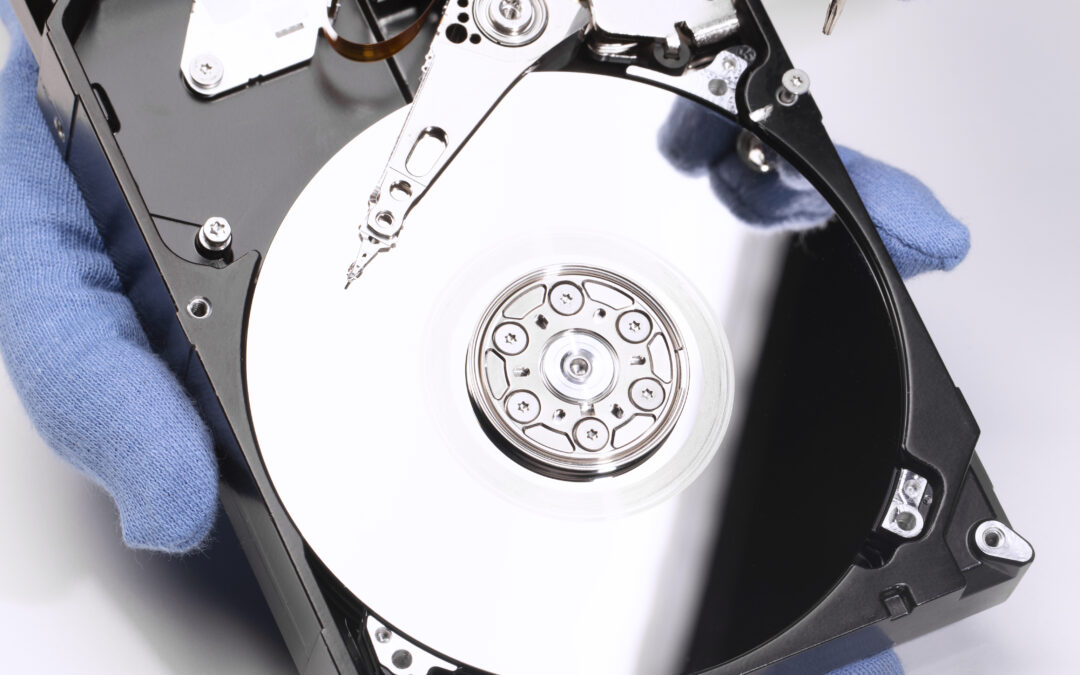
That moment when you realize you’ve lost your data – it’s awful. Maybe it’s a project you worked on for weeks or your favorite photos. Whatever it is, take a breath. Acting calmly in the next few minutes can decide whether your data is recoverable or gone for good.
- Pause Everything
Stop using the device right away. Don’t try to open more files, save new ones, or restart repeatedly. Every action risks overwriting what’s already lost. If it’s an external drive or memory card, unplug it safely.
Here’s what you can do instead:
- Disconnect your device from Wi-Fi or any cloud sync
- Label the device so no one else uses it
- Keep it somewhere cool and static-free
You’ll have a better chance when you eventually reach a device data recovery service if you avoid unnecessary tinkering.
- Check Your Backups
Before assuming the worst, see if your data’s sitting quietly in a backup. Many people forget about automatic saves. Check external hard drives, iCloud, Google Drive, or even your email attachments. Sometimes, that quick check solves the whole problem without needing a device data recovery service right away.
- Don’t Trust Every Free Tool
Plenty of free recovery apps promise miracles, but they can actually make things worse-especially if your drive is physically damaged.
Keep these in mind:
- Only use recovery software if you fully understand the risks
- Never install the program on the same drive you’re trying to fix
- Create a copy before you do anything risky
If nothing works, that’s when professionals step in. A skilled device data recovery service can handle everything safely and often restore what seems lost.
Star Shield offers dependable device data recovery service options in Singapore-contact their team when you’re ready for expert help done right.

by Keshaw NMT | Nov 6, 2025 | Computer Protection
Most companies believe having antivirus software is enough to stay safe online. The truth? It’s just one layer of defense. A complete plan from a computer protection company goes far beyond scanning for viruses-it keeps your systems, data, and people secure from every angle.
Why Antivirus Alone Isn’t Enough
Cyber threats today aren’t just about viruses anymore. Businesses face phishing scams, data leaks, ransomware, and insider risks. Antivirus tools catch some of it, but they can’t stop everything. A good protection plan from a computer protection company includes monitoring, system updates, and real-time response if something suspicious happens.
Here’s what makes a real difference:
- Regular security audits and backups
- Employee awareness training
- Protection for both on-site and remote devices
Keeping Business Operations Safe
Losing access to your files, even for a few hours, can interrupt work and cost serious money. That’s why more companies work with experts like Star Shield, a reliable computer protection company, to prevent issues before they start. Their approach isn’t about fixing things after a crash-it’s about keeping systems healthy all the time.
A strong plan covers:
- Customer and employee information
- Payment and financial systems
- Secure access for remote work setups
A Smarter Way to Stay Secure
Think of a computer protection plan as your digital safety net. It helps you avoid chaos, data loss, and expensive downtime. For any business that relies on computers, and that’s nearly every business, it’s not optional anymore.
To keep your systems steady and your data safe, reach out to Star Shield today and build a protection plan that actually works for your business.